Enhancements to Guest Preferences Report (Dynamic)
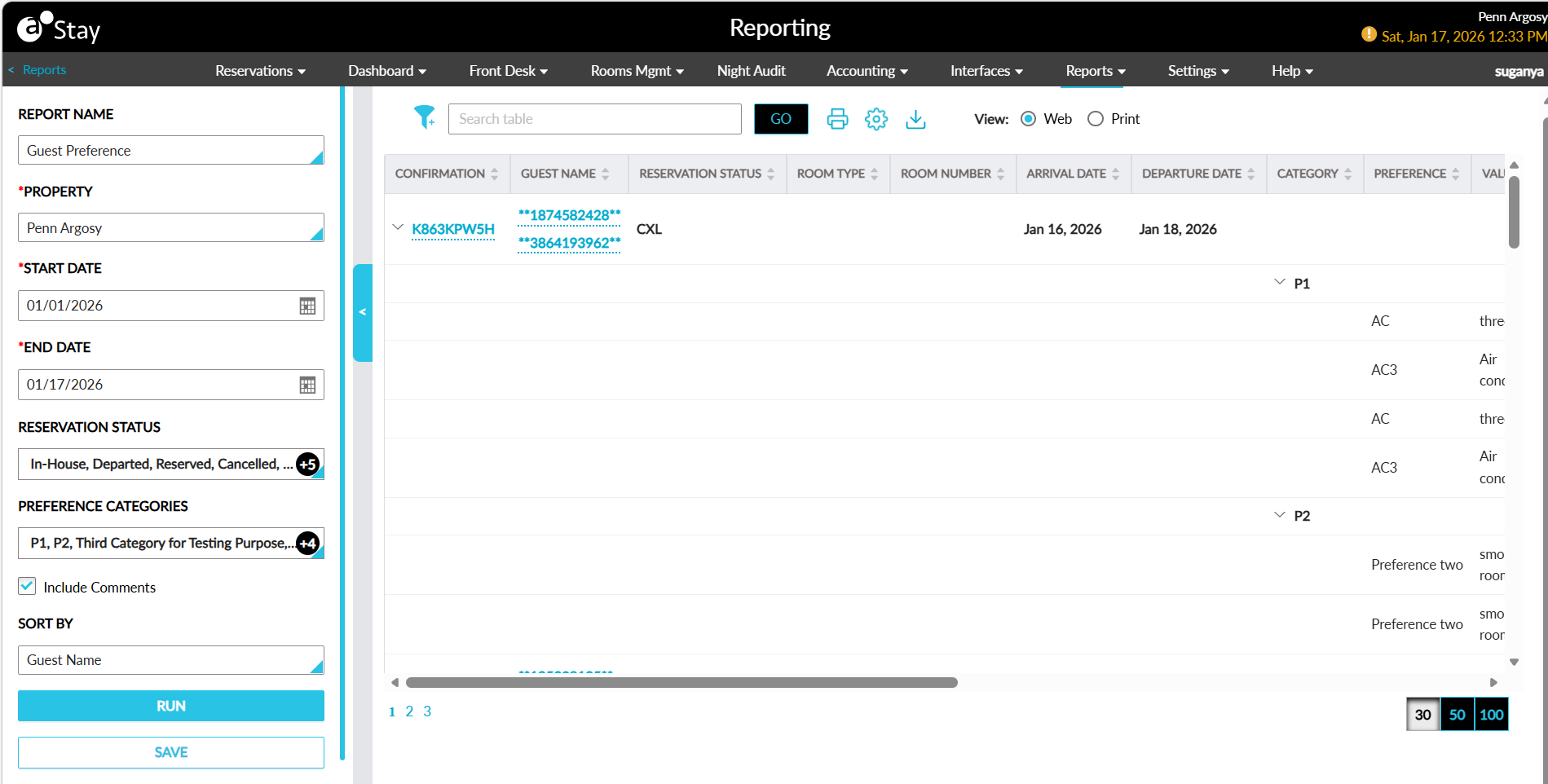
The Guest Preferences report (Dynamic) has been enhanced to display the guest count details and comments added to reservations in addition to the existing guest preferences.
Previously, only the guest preferences configured for the reservations were displayed.
To support this enhancement, the following changes have been made:
-
The following new columns have been added to the report:
|
Column |
Description |
|---|---|
|
Adult |
The count of adults in the reservation based on the age category. |
|
Child |
The count of children in the reservation based on the age category. |
|
Comments |
The comments added to the reservations based on the selected comment types. Users can search for a record using the comments. |
|
User |
The name of the user who created the comment. This column can be sorted. Users can search for a record using the username. |
|
Created Date & Time |
The date and time the comment was created. Users can search for a record using the date and time. |
The newly added columns will not be displayed in the report by default. Users must select these columns in the Column Settings screen.
-
A new report generation parameter, Include Comments, has been added. This checkbox is not selected by default. When selected, the comments added to the reservations with the type, Reservation, will be displayed in the Comments column.